Debugging - Exercises
Now that gdb or gdb-multiarch are set up, let's do some exercises.
- Access
exercises/gdb_hello_world - Inspect the configuration files
openocd.cfg(foropenocd) and.gdbinit(forgdb). - Execute
cargo run, leave out--releaseto use the development profile.- Without it, cargo will remove / optimise lines.
- We should debug with
--releaseto ensure the best outcomes. - But this examples is just to get started.
- Run
gdb -x gdbinit -q(orgdb-multiarchon Linux) in one terminal, andopenocdin another (at the same directory!).- In the image,
_peripheralshas not yet been assigned.gdbstopped execution there. The window at the bottom half is our(gdb)prompt.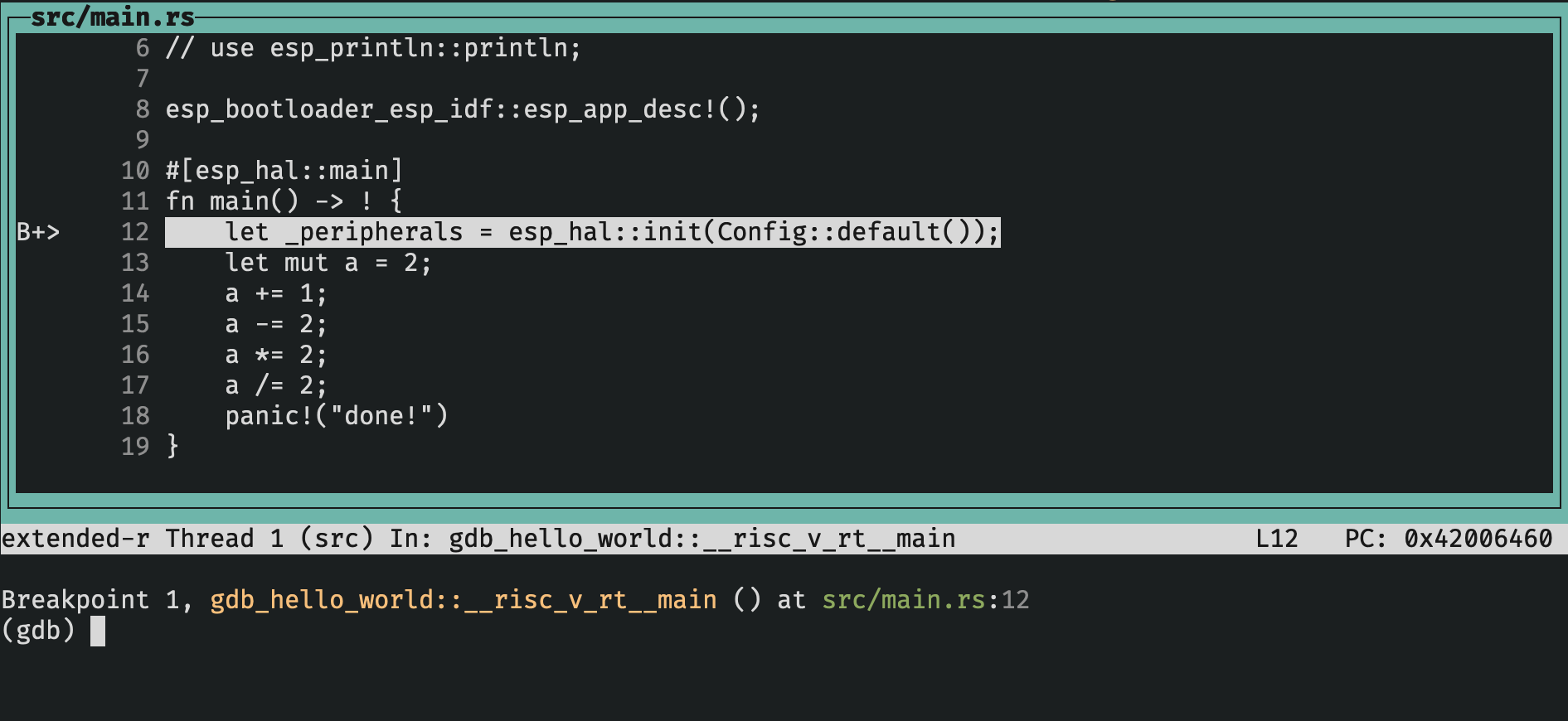
- In the image,
- Add a
breakpoint wherea/=2, thenprintthe resulting value. - Exit with
Ctrl+DorCtrl+C.
Suggested Reading
- MB2 article on Debugging.